This simulation needs WebAssembly, and it could not start in this browser.
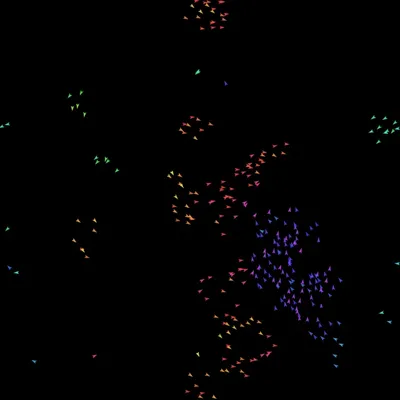
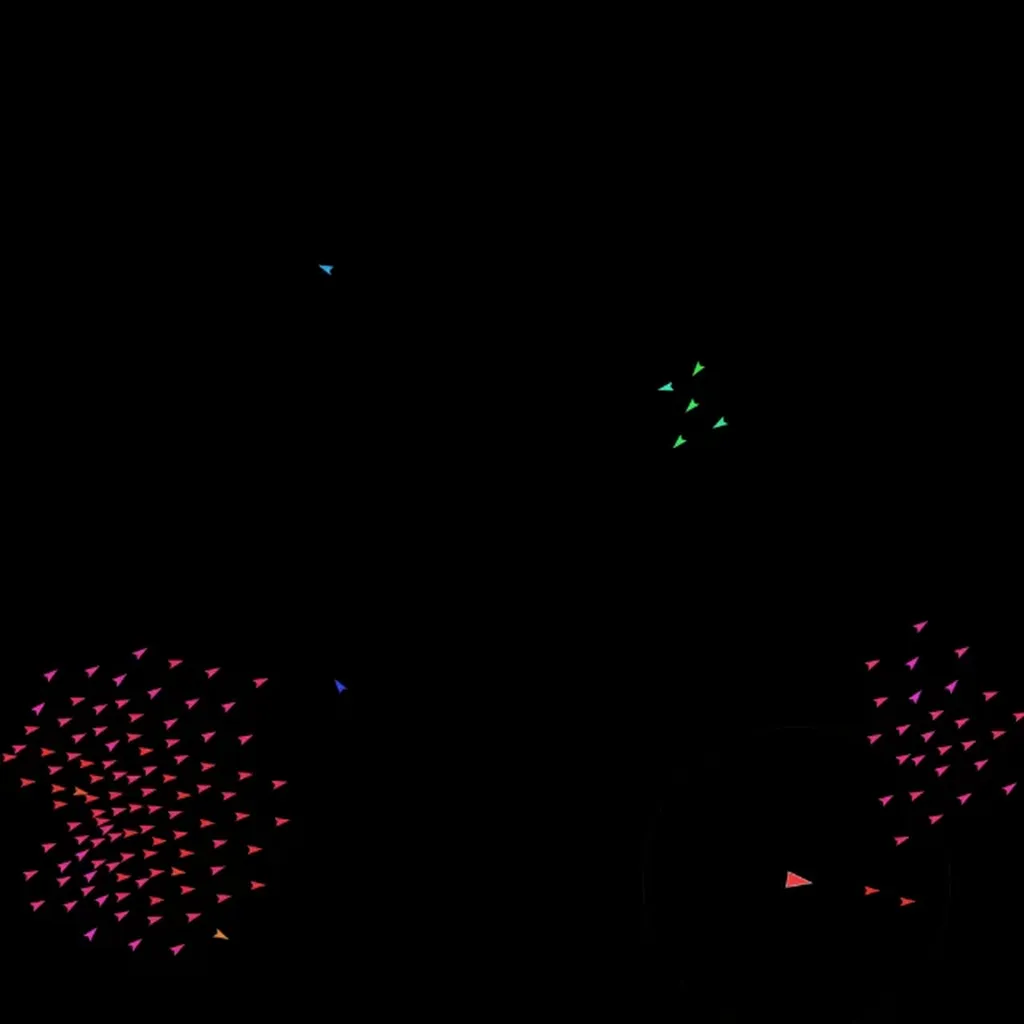
The image is a frame from a real run. Check that JavaScript is on, or try another browser.
Craig Reynolds showed in 1987 that three local steering rules, separation, alignment and cohesion, are enough to make a convincing flock. In 1999 he added simple steering behaviours for chasing and escaping, called seek and flee. This simulation combines both: prey boids flock and flee, and predators seek the nearest prey. Biologists have long seen groups as a defence: in W. D. Hamilton’s selfish-herd model (1971), an animal that moves closer to others shrinks the area in which it is the nearest target. The predators here do exactly what that model assumes and always go for the nearest prey.
What you see
An 800 by 800 pixel arena whose edges wrap around, so a boid leaving on one side comes back on the other. The prey are arrowheads colored by their heading, so a flock moving in one direction has one color. The predators are red triangles, each inside a faint red circle that marks the Flee radius (pixels). The line at the bottom of the canvas and the Prey alive readout count the prey.
Prey that come within 15 pixels of a predator are caught and disappear. New prey appear at random places at the Prey respawn (per second) rate, up to 400 in total. Whether the flock thrives or dies out depends mostly on how the predators’ speed compares with the prey’s top speed.
Rule
Each step, every prey looks at the other prey around it. Separation uses those within 28 pixels, alignment those within 60 and cohesion those within 80. Each rule gives a preferred direction : away from close neighbors, along their mean velocity, and towards their mean position. The rule then steers the velocity towards that direction at top speed ,
where clip limits the length to 0.18 pixels per step² and is the rule’s weight (Separation, Alignment, Cohesion). For every predator at a distance below the flee radius , the prey adds
with pointing away from the predator and the Flee force. A small random kick of 5% of the top speed is added, the speed is kept between 10% and 100% of (Prey top speed (pixels per step)), and the prey moves by its velocity.
Each predator moves its full Predator speed (pixels per step) straight towards the nearest prey, measured across the wrapped edges, and turns instantly when another prey becomes the nearest.
Presets
Numbers are from five-minute runs (18000 steps, one step per frame at 60 frames per second) with the default respawn of one prey per second.
Single predator: 120 prey, one predator at 2.8 pixels per step, slower than the prey’s 3. The prey simply outrun it: it catches about 3 prey in five minutes, its first after about three minutes, while respawning lets the population climb to the cap of 400.
Two predators: 100 prey, two predators as fast as the prey (3 pixels per step) and a flee force of 5. They catch about 15 prey in the first minute and fewer later, about 50 in five minutes. Respawn adds 60 per minute, so the population still grows, to about 350 after five minutes. Without respawn about 60 of the 100 are caught in five minutes.
Fast predator: 150 prey, one predator at 5 pixels per step with a flee force of 6 and a flee radius of 180 pixels. Fleeing cannot save the prey: about 150 are caught in the first minute, and after two minutes only about 10 are left, because the predator now catches newcomers as fast as they appear. Without respawn the flock is gone within two minutes.
Parameters
Prey count (10 to 400, default 120) and Predators (0 to 6, default 1) apply on Reset.
Predator speed (pixels per step): 0.5 to 8 (default 2.8). Prey top speed (pixels per step): 0.5 to 10 (default 3). Their ratio decides who wins.
Flee force: the weight above, 0 to 10 (default 4). Flee radius (pixels): the distance above, 30 to 300 (default 120).
Separation, Alignment and Cohesion: the rule weights, 0 to 5 (defaults 1.5, 1 and 1).
Prey respawn (per second): 0 to 5 (default 1). The rate is counted in steps, one prey every 60/rate steps, so a higher Speed also speeds up respawning. At 0 the prey only decrease.
All of these except the first two apply immediately.